

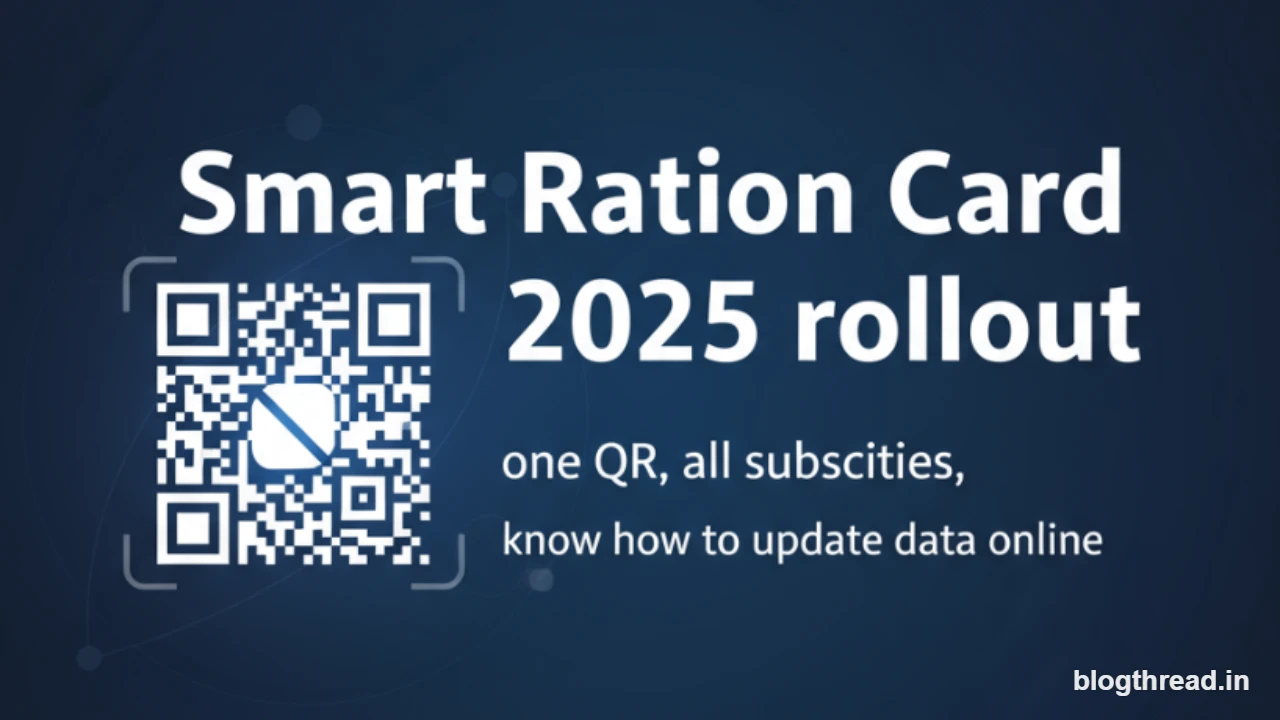
Smart Ration Card 2025: Why this update matters
India’s Public Distribution System is entering a crucial upgrade in 2025 with smart, QR-enabled ration cards and streamlined e-KYC. For crores of NFSA beneficiaries, this means faster verification, fewer errors, and true portability under One Nation One Ration Card (ONORC). If your family relies on subsidised grains or state benefits linked to the ration database, completing e-KYC and fixing profile details now will prevent disruptions when new checks go live.
What changes in 2025
- QR-enabled smart cards: Scan at any Fair Price Shop to fetch live entitlements and family details.
- Biometric-first delivery: Aadhaar-based authentication at ePoS devices to stop duplication and ghost entries.
- ONORC portability: Lift your entitled grains from any FPS across India — helpful for students, migrants, and seasonal workers.
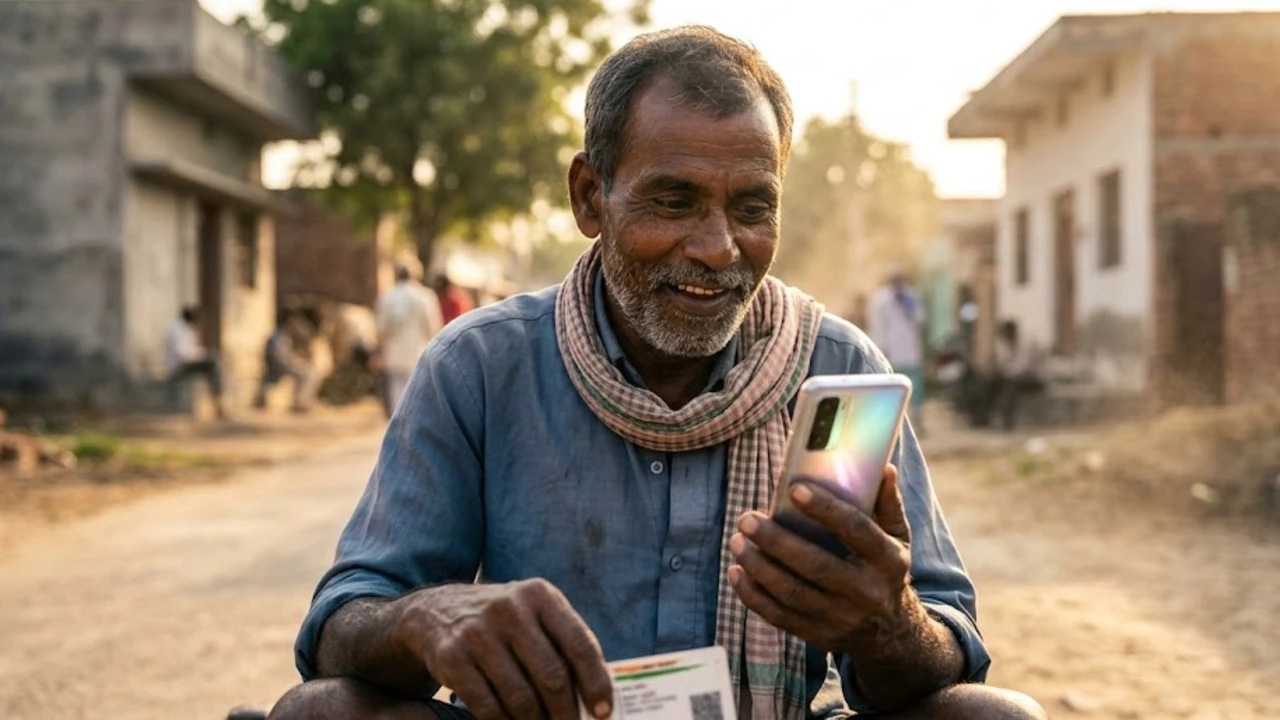
- Digital copies: Download e-ration cards via state PDS portals, DigiLocker, or the Mera Ration app.
- Mandatory e-KYC: Aadhaar linkage and OTP/biometric verification for all family members on the card.
Benefits of the smart QR card
- Speed: Faster checkouts at ration shops with a tap-and-scan flow.
- Transparency: Real-time balance of monthly entitlements and transaction history.
- Error correction: Easy grievance and correction workflows tied to your card/QR.
- Anywhere access: Seamless portability when you move cities or travel for work.
How to complete e-KYC online
Most states now support online e-KYC for ration cards. Keep Aadhaar numbers of all listed family members and the mobile number linked to Aadhaar handy. Here’s a clean, step-by-step flow you can follow on your State’s PDS portal.
- Visit your State PDS portal and open Ration Card Services or e-KYC section.
- Enter your ration card number and the registered mobile number.
- Verify via OTP sent to the Aadhaar-linked phone.
- Complete Aadhaar authentication for each family member shown.
- Submit and download/update the e-ration card acknowledgement.
If your state doesn’t offer full online e-KYC, visit the nearest FPS or civil supplies office with Aadhaar photocopies for each member, recent photographs (where asked), and your current ration card. The dealer will update biometrics/eKYC on the ePoS device and sync your record.
How to update name, mobile, or address
- Name/Spelling: Upload Aadhaar (post-correction, if needed) and submit a name rectification request under ‘Update Details’.
- Mobile: Use the ‘Update Mobile’ option to receive OTP and re-verify the new number.
- Address: Provide proof of address (electricity bill, rent agreement, or domicile certificate) and submit a change request.
Track status under ‘Application Status’ on the state portal. Processing can take 7–30 working days depending on verification load.
Mera Ration app and DigiLocker tips
- Mera Ration App: Check entitlements, nearest FPS, and portability support. Useful when moving across districts or states.
- DigiLocker: Add your state-issued e-ration card to keep a digital copy ready during FPS checks.
- Mismatch errors: If the app shows outdated member details, complete e-KYC and submit a correction ticket on the state portal.
Common issues and quick fixes
- OTP not received: Ensure your mobile is linked with Aadhaar; update mobile at Aadhaar Seva Kendra if needed.
- Biometric mismatch: Try alternate fingers; if it persists, use OTP-based eKYC or request exception handling at the FPS.
- Member missing: Use ‘Add Member’ workflow with birth certificate/marriage certificate and Aadhaar.
- Duplicate entry flagged: File a grievance with supporting identity/address proof; request de-duplication.
Documents you may need
- Aadhaar card (all listed family members)
- Proof of address (electricity bill, rent agreement, domicile)
- Income certificate where required (for card category)
- Recent passport-size photographs (state-dependent)
Portability under ONORC: how to use it
When visiting another state, carry your smart card or e-ration card. At the FPS, authenticate with Aadhaar/biometrics on the ePoS, confirm family entitlements, and collect your allocated grains at central issue prices. If the dealer lacks connectivity, ask for the nearest network-enabled shop or revisit during network availability.
State portal shortcuts and helplines
Every state runs its own PDS portal and helpline for updates, e-KYC, and grievance redressal. If unsure, search for “Your State PDS ration card eKYC” and verify the .gov.in domain before submitting details. Keep your application ID safe for tracking corrections.
| State | Portal/Helpline (examples) |
|---|---|
| Delhi | nfs.delhi.gov.in / 1967 |
| Tamil Nadu | tnpds.gov.in / 1967 |
| Maharashtra | mahafood.gov.in / 1800-22-4950 |
| UP | fcs.up.gov.in / 1800-1800-150 |
| WB | food.wb.gov.in / 1967 |
| Kerala | civilsupplieskerala.gov.in / 1800-425-1550 |
Grievances and corrections
- Wrong print on card: Raise a correction request online; attach updated Aadhaar or valid proofs.
- Non-delivery of card: Check dispatch status on the portal; visit local office with acknowledgement if delayed.
- Quantity shortfall: Raise an FPS complaint with date, dealer ID, and bill details; escalate to the district supply office if unresolved.
Action checklist for families
- Complete e-KYC for every member on your ration card.
- Update mobile number and address before you travel or shift jobs.
- Download a fresh e-ration card PDF and add it to DigiLocker.
- Test your portability once by lifting grains at a different FPS in your city.
- Save your state PDS helpline and nearby FPS code for quick support.
Bottom line
Smart Ration Card 2025 is not just a card redesign — it connects your identity, entitlements, and portability through one secure QR. Finish your e-KYC, fix profile details, and keep a digital copy handy. The payoff is simple: smoother monthly pickups, fewer errors, and access to your benefits wherever life or work takes you.
0 Comments
No comments yet. Be the first to share your thoughts!